Policy
Privacy
Last updated
ClipHop collects nothing. No analytics, no telemetry, no crash reporters, no user accounts, no cloud services. The apps do not contact any server we operate because we do not operate any.
What stays on your devices
- Clipboard history — stored locally in app-support storage. Never uploaded.
- Identity keys — your device’s Ed25519 keypair is generated on first run and stored in the macOS Keychain or the Android Keystore.
- Paired peers — the public key and friendly name of each device you pair with, stored locally.
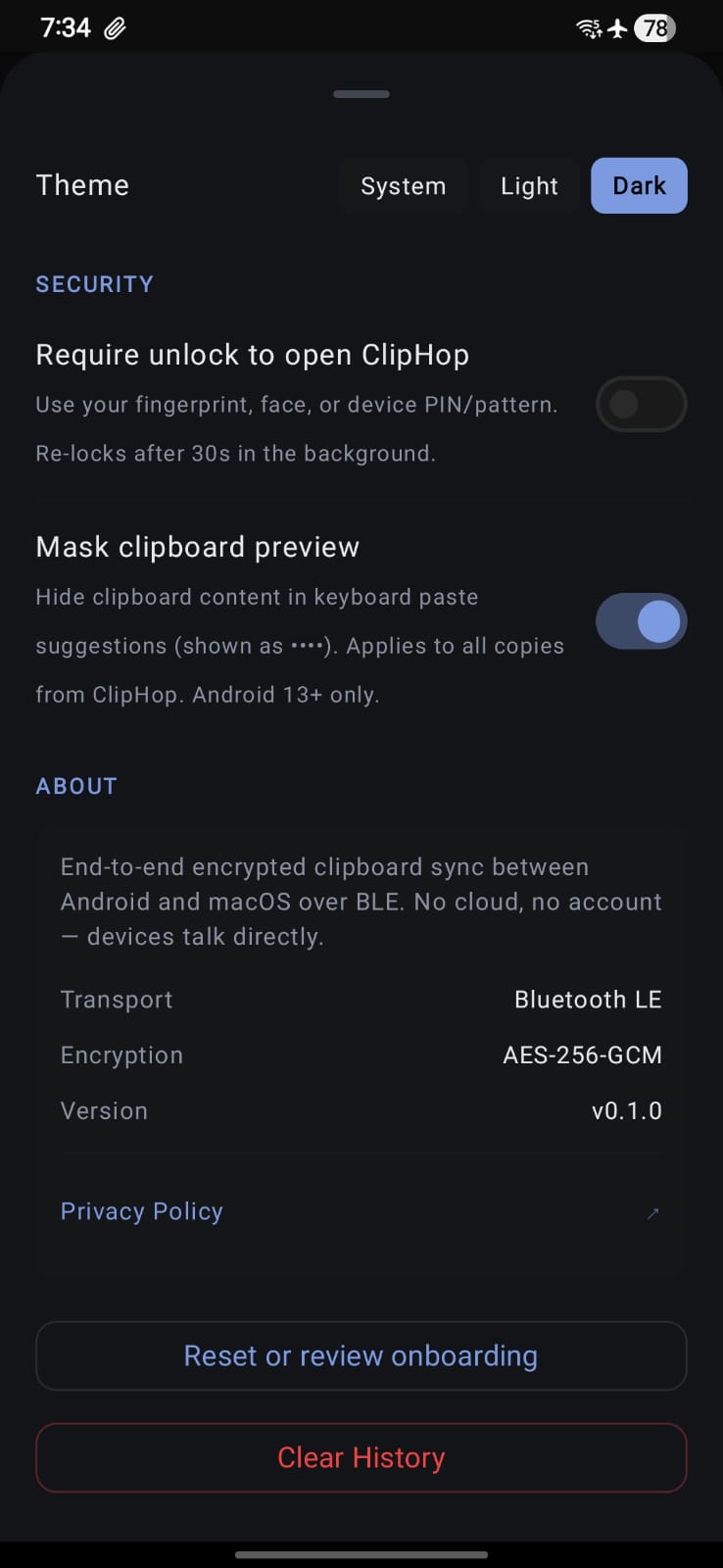
- Preferences — auto-paste, auto-push, masked-preview, and other toggles, stored in standard user defaults.
What travels between your two devices
Clipboard text and a handful of control messages (pair, unpair, rename), all wrapped in AES-256-GCM with session keys derived from an X25519 ECDH handshake. These bytes travel over Bluetooth LE directly between your phone and your Mac — nothing is relayed through any third party.
What does leave your device
- Update check — the Mac app fetches a small JSON manifest from this website once per day (when enabled) to check for new releases. No identifying information is sent. You can disable auto-checking in Preferences.
- Play Store distribution — the Android app is distributed through Google Play. Install-time data is governed by Google’s policies, not ours.
Permissions
- Bluetooth — required on both platforms to establish the BLE link.
- Foreground service (Android) — required so sync keeps working while the screen is off or other apps are in the foreground.
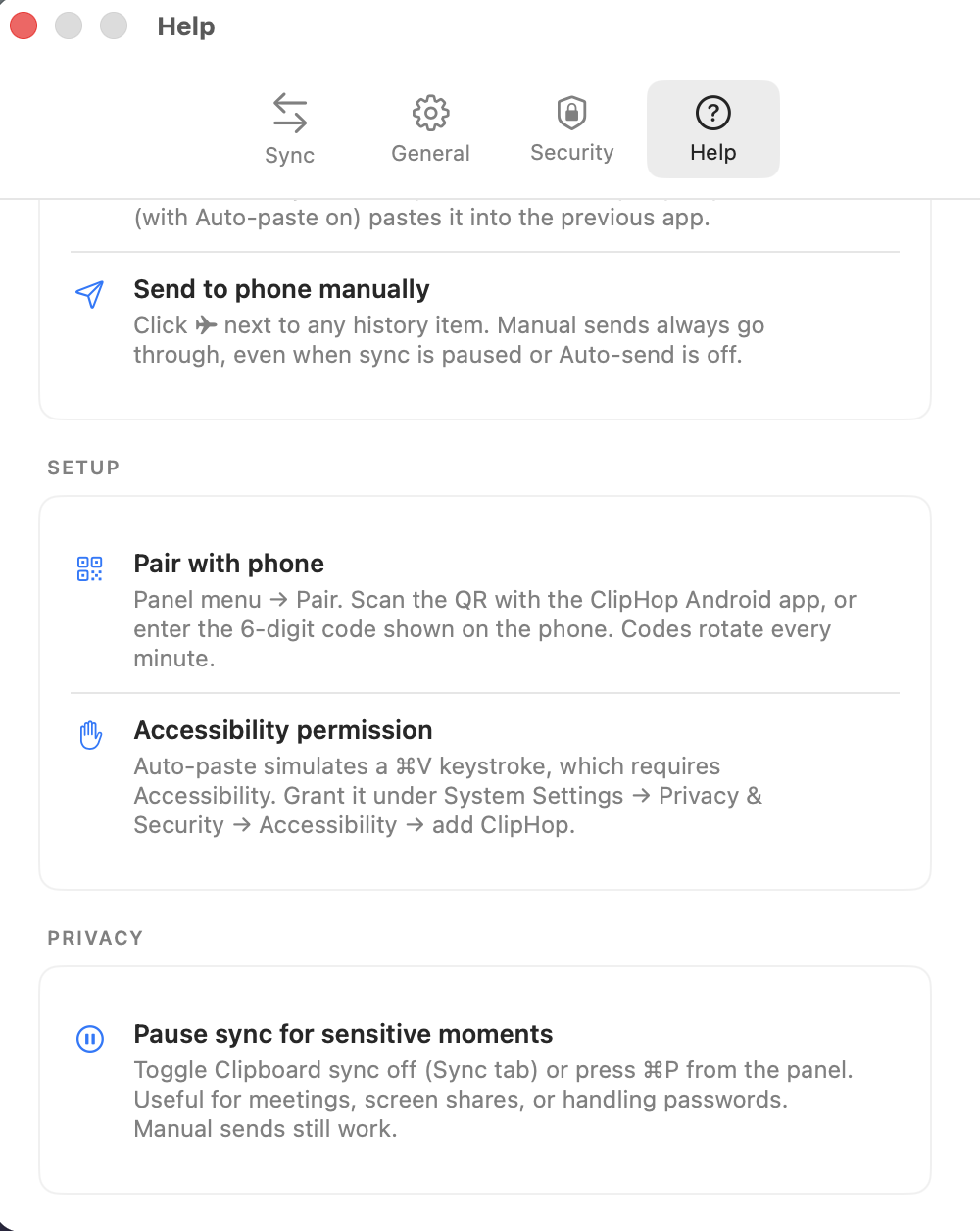
- Accessibility (Mac, optional) — only if you enable auto-paste. Used to post a paste event to the frontmost app.
What this looks like in the apps
Both apps surface the same three primitives: a master sync toggle, auto-apply of incoming clips, and an opt-in auto-send beta that names exactly what it does.
Contact
Security issues or privacy questions: support@cliphop.org.